
How to Automate Your Sales Webinar Without Losing What Makes It Convert
Written by the AIVX Labs team · Published August 2026
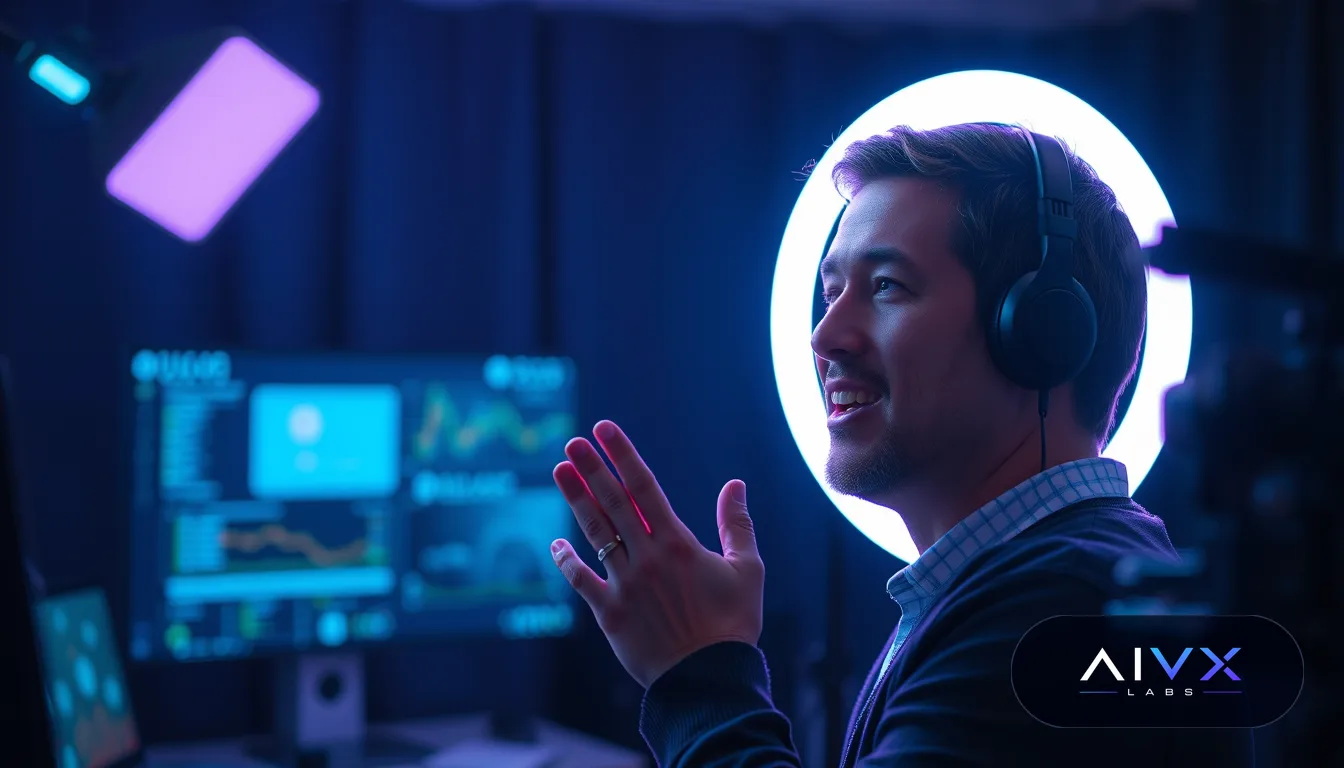
You automate a sales webinar by recording a strong live performance of it first, then rebuilding the interactive and time-sensitive elements that made it convert using scheduling tools, simulated chat, and timed calls to action, rather than just uploading a video and hoping it performs the same way. The parts that actually sell on a live webinar are almost never the slides themselves; they are the sense of a real person speaking to you in the moment, the questions being answered live, and the pressure of a specific window to act. Automation only works when you rebuild those specific mechanics deliberately instead of stripping them out for convenience.
Key takeaways
- The recording you automate should come from one of your best-performing live sessions, not a rehearsal or a rushed studio take.
- Automated webinars convert better when they simulate real-time chat, live attendee counts, and specific start times rather than being available on-demand at any moment.
- Objection handling from your live Q&A should be scripted into the recording itself since a truly automated session cannot answer new questions in real time.
- Scarcity and urgency need to be rebuilt around the automated schedule, such as limited seats per session time, instead of copying language that only made sense for a one-time live event.
- You should re-test an automated webinar's drop-off points and offer close on a recurring basis, since audience behavior on a recording shifts over time even if the content never changes.
- Not every sales webinar should be automated; high-ticket or highly consultative offers often still perform better live.
What Actually Converts on a Live Webinar
Before you automate anything, you need to know precisely which parts of your live webinar are doing the selling, because those are the only parts worth preserving. In most sales webinars, conversion comes from a small set of specific moments: a strong hook in the first few minutes that tells people why staying matters, a credibility section that answers 'why should I listen to you,' a teaching section that delivers a real result so attendees trust the method, a transition into the offer that feels earned rather than abrupt, live handling of objections and questions, and a closing window with a real deadline or limited availability.
It is worth watching a recording of one of your best-converting live sessions specifically to mark timestamps where attendees asked the most questions, where chat activity spiked, and where people dropped off. Those timestamps tell you exactly where the persuasive weight of the webinar sits, and they become your checklist for what the automated version must still contain in some form.
Why Automation Usually Kills Conversion
Most attempts to automate a sales webinar fail for the same reason: the recording gets uploaded as a static, on-demand video and the interactive layer simply disappears. Once a webinar can be watched at any time, with no live chat, no real deadline, and no sense that anyone else is in the room, it stops behaving like an event and starts behaving like a piece of content. Viewers treat it accordingly, they watch passively, skip around, and rarely feel the urgency that pushed live attendees to buy on the spot.
A second common failure is leaving the live Q&A section untouched in the recording. In a live session, real-time answers to real questions build trust because the audience sees you responding to their specific concerns. In a recording, the same segment can feel hollow or even confusing if the questions referenced aren't visible to the automated audience, so that section needs to be rebuilt rather than left as-is.
Capturing the Right Recording to Automate
The recording you choose to automate should come from an actual live session with a real audience, not a solo run-through recorded in a quiet room. Genuine audience energy, natural pauses for reactions, and real questions being read aloud all carry through in the recording and make it feel less scripted, which matters once viewers are watching it without the actual live chat around it. If your best live session had a notably strong close, an especially engaged Q&A, or an unusually high number of conversions, that is the one to build the automated version around, even if the audio or slides need cleanup.
Once you have that recording, go through it and rewrite any language that only makes sense in a one-time context, such as references to today's specific date, this week's bonus, or 'everyone watching right now,' since those phrases will read as obviously stale once the same recording plays weeks later. Replace them with language tied to the automated session itself, such as 'this session' or 'attendees on this call,' so the video holds up regardless of when it actually plays.
Rebuilding the Live Feel With Simulated Interaction
Once the recording is ready, the next job is reconstructing the sense that something is actually happening in real time, since that feeling, not the content itself, is what drove urgency in the original live session. This is where most of the practical automation work happens, and a platform built for this purpose, such as automated webinar platform, handles these mechanics directly rather than requiring you to stitch together several separate tools.
The elements worth rebuilding, in rough order of impact, are:
- Scheduled start times rather than instant on-demand access, so attendees register for a specific slot and feel part of a session rather than watching a stored file
- Simulated live chat that replays real comments and questions from the original session at the moments they actually occurred, giving new viewers the sense of a shared room
- A visible attendee counter or 'seats remaining' indicator tied to each scheduled session rather than the original one-time event
- Timed offer reveals and countdown timers that unlock at the same point in the recording every time, preserving the pacing that made the original close work
- A follow-up sequence triggered automatically based on how far someone watched, so partial viewers and full viewers receive different messaging
Handling Questions Without a Live Presenter
The biggest structural gap in any automated webinar is the loss of real-time Q&A, and ignoring it is one of the fastest ways to lose the trust the original live session built. The practical fix is to record a dedicated objection-handling segment ahead of time, built directly from the actual questions your live audience asked most often, and insert it at the same point in the recording where live Q&A used to happen. This segment should be framed as answering 'the questions people ask most' rather than pretending to respond to chat in real time, since viewers can tell the difference and framing it honestly builds more trust than faking spontaneity.
For live chat during the automated session, a moderator or simple automated response system that can address a handful of common questions in real time, alongside the pre-recorded objection segment, closes most of the remaining gap. You do not need someone available around the clock, but having a way to answer even basic logistics or pricing questions live keeps the automated version from feeling completely unattended.
Testing and Maintaining the Automated Version
An automated webinar is not a set-and-forget asset, even though that is often the appeal. Attendee behavior, ad sources, and even the offer itself will shift over time, so you need to track the same metrics you'd track on a live session, drop-off points, time spent in chat, and conversion rate at the close, and compare them against the original live numbers. If drop-off spikes at a point where the live version didn't lose people, that usually means a section that relied on real spontaneity did not translate well to the recording and needs to be re-shot or re-edited.
It is also worth periodically refreshing the automated recording with a newer live session, especially if your offer, pricing, or examples change. A recording that references outdated pricing or a discontinued bonus will undercut trust even if the rest of the presentation still performs well.
When You Should Keep the Webinar Live Instead
Automation is not the right move for every sales webinar. Higher-priced or highly consultative offers, where buyers typically need to ask specific questions about their own situation before committing, tend to perform better live because the personalized back-and-forth is itself part of what earns the sale. Similarly, if your audience size is small enough that genuine, unscripted interaction is a meaningful part of your positioning, such as early-stage cohorts or founder-led sales, automating too early can flatten the exact thing that made the live version credible.
A practical middle ground many businesses use is running the webinar live on a regular cadence while also offering an automated version between live dates, so prospects who can't attend a scheduled live session still get a strong, mostly-automated experience, while the highest-intent leads are funneled toward the live sessions where a real conversation can close the sale.
Read our featured article on LinkedIn
Every course and tool mentioned here is included free on AIVX Labs.
Create Your Account NowFrequently asked questions
Does an automated webinar convert as well as a live one?
It can get close but rarely matches live conversion rates exactly, mainly because real-time Q&A and genuine urgency are difficult to fully replicate. The gap narrows significantly when you rebuild simulated chat, scheduled start times, and pre-recorded objection handling rather than simply posting the recording as an on-demand video.
How often should I update an automated sales webinar?
Review performance data at least monthly and re-record the session whenever your pricing, offer details, or key examples change, since outdated references undermine trust even if the rest of the presentation still holds up. Many businesses also refresh the recording every few months with a newer live session to keep the energy and examples current.
What's the minimum I need to automate a webinar that already converts live?
At minimum you need a recording of a strong live session, a scheduling system so attendees register for specific times rather than watching on demand, and some form of simulated chat or Q&A segment to replace the live interaction. Without at least the scheduling and simulated interaction pieces, the recording will behave like passive video content rather than an event.
Should I tell attendees the webinar is pre-recorded?
There's no single right answer, but framing it honestly, such as calling it an 'on-demand session' or 'automated training,' tends to preserve more trust than pretending it's happening live when attendees can often tell anyway. What matters most for conversion is that the content still feels current and directly relevant, not whether attendees know it was recorded in advance.
Can I automate the Q&A portion of a sales webinar?
You can't replicate true real-time Q&A in a fully automated session, but you can record a dedicated segment answering the most common questions from your live audience and place it at the same point in the recording where live Q&A used to occur. Pairing that with a live chat moderator for simple questions during the scheduled session closes most of the remaining gap.
How do I know if my webinar is a good candidate for automation?
A webinar is a strong candidate for automation if it has already converted well live across multiple sessions, follows a consistent structure rather than heavy improvisation, and sells an offer simple enough that most buyer questions are predictable and repeatable. Highly consultative or high-ticket offers that depend on personalized live conversation are usually better kept live.